
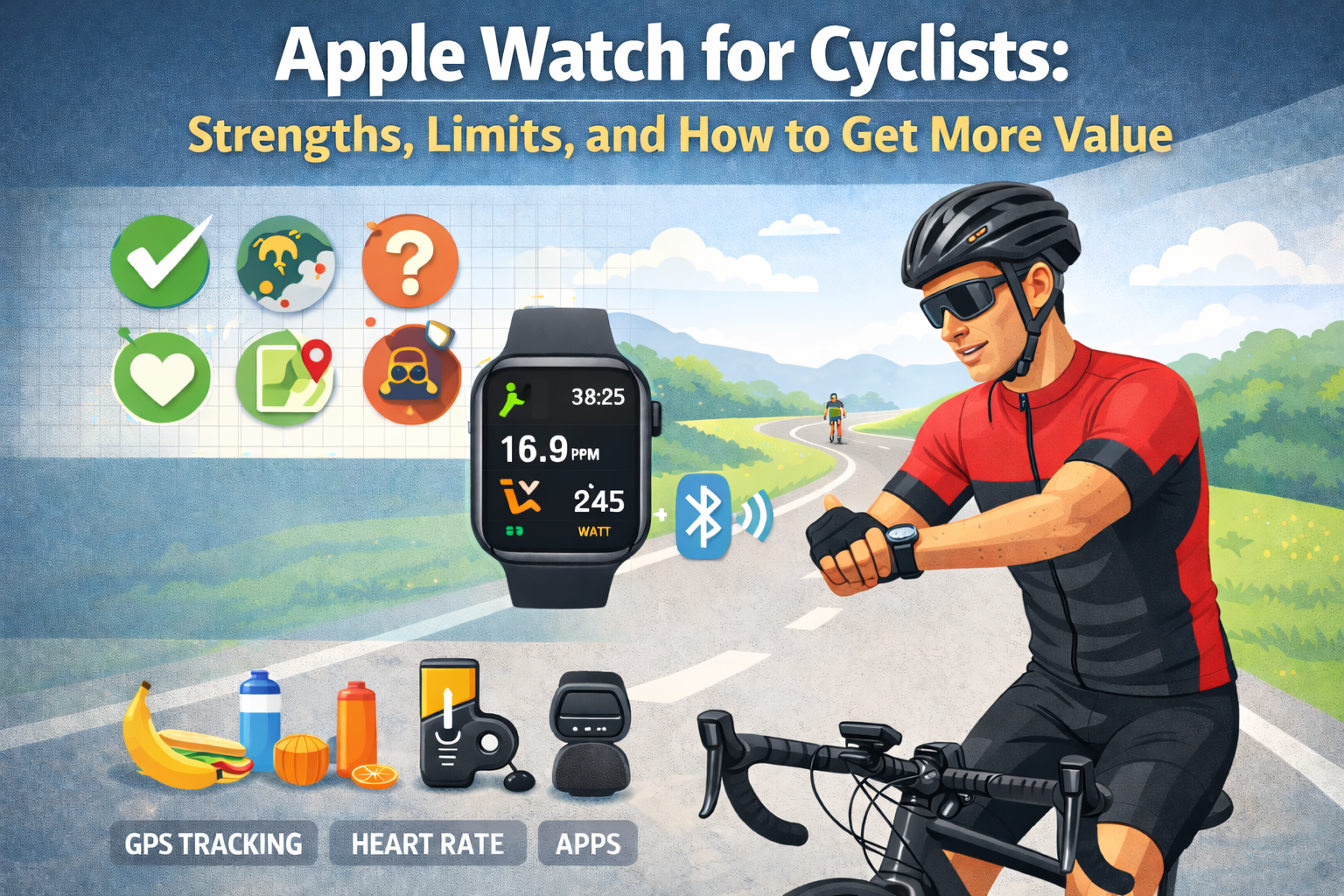
You strapped on your Apple Watch, hit “Outdoor Cycle,” and rode for an hour. Now you’re staring at a summary screen showing average heart rate, distance, calories, and maybe a VO₂max update.
That’s genuinely useful data. But it’s also about 30% of the story your Apple Watch actually captured – and roughly 10% of the insight you could extract from it.
The Apple Watch is the most popular wearable among recreational and commuter cyclists for good reason. It’s convenient, increasingly accurate, and deeply integrated into an ecosystem most people already use. But like any tool, understanding what it does well, where it falls short, and how to bridge the gap determines whether you’re training with real insight or just collecting numbers.
This guide breaks down exactly what the Apple Watch delivers for cyclists, where its limitations start creating blind spots, and how structured external analysis transforms the same raw data into something genuinely actionable.
What Apple Watch Does Well for Cycling
Before addressing limitations, it’s worth acknowledging that the Apple Watch gets a surprising amount right – especially for a device that isn’t cycling-specific.
1. Optical Heart Rate Monitoring
The Apple Watch Series 6 and later use a third-generation optical heart rate sensor that performs remarkably well during cycling – better than during many other activities, in fact.
Why cycling suits wrist-based HR:
- Your wrist position on handlebars is relatively stable compared to running
- Vibration from the road is minimal compared to the impact shock of running
- Grip pressure keeps the watch snug against your skin
Accuracy expectations:
| Scenario | Typical Accuracy vs. Chest Strap |
| Steady-state riding (Zone 2–3) | ±2-3 bpm |
| Hard climbing efforts | ±3-5 bpm |
| Short, explosive sprints | ±5-10 bpm (lag) |
| Cold weather riding | ±5-8 bpm (reduced blood flow) |
For most recreational cyclists riding in endurance or tempo zones, the Apple Watch’s heart rate data is reliable enough to build meaningful analysis around. The lag during short, high-intensity intervals is a known limitation – but for rides longer than 30 minutes, the overall average and trend data are solid.
2. GPS Tracking
Modern Apple Watch models use multi-band GPS (L1 + L5 frequencies), which has significantly improved route accuracy compared to earlier generations.
What this means in practice:
- Distance measurements are typically within 1-2% of dedicated cycling computers
- Elevation data, derived from a combination of GPS and the built-in altimeter, is reasonably accurate for total ascent calculations
- Route mapping is detailed enough for post-ride review
The barometric altimeter deserves specific mention. Unlike pure GPS elevation – which can be off by 20-50 meters – the Apple Watch’s barometric sensor tracks relative elevation changes accurately. This means your total climbing numbers are more trustworthy than you might expect.
3. Automatic Workout Detection
Apple Watch can detect when you’ve started cycling and prompt you to begin a workout. More importantly, it retroactively captures data from before you confirmed – so those first few minutes aren’t lost.
This sounds minor. In practice, it means fewer rides with missing opening segments, which matters when you’re trying to compare complete efforts over time.
4. Health Ecosystem Integration
This is arguably the Apple Watch’s greatest cycling advantage – one that dedicated bike computers can’t replicate.
Your Apple Watch captures:
- Resting heart rate (daily trend)
- Heart rate variability (HRV) (recovery indicator)
- Sleep data (duration and stages)
- VO₂max estimates (longitudinal trend)
- Activity history (training volume over weeks and months)
None of these are cycling metrics per se. But all of them provide context that transforms how you interpret your ride data. A ride where your heart rate was 8 bpm higher than normal means something very different when you know you slept 4.5 hours the night before versus 8 hours.
The Apple Watch doesn’t just record your rides. It records the physiological background against which your rides happen. That background data is where the real analytical value lives – if you know how to use it.
Where Apple Watch Falls Short for Cycling
Now for the honest part. The Apple Watch has real limitations for cyclists, and pretending otherwise leads to bad training decisions.
1. No Native Power Meter Support (Sort Of)
Starting with watchOS 9, Apple introduced cycling power estimation using motion sensors and GPS data. On paper, this sounds like a game-changer. In reality, it’s a rough estimate.
The problem:
- Apple’s power estimation relies on algorithms interpreting accelerometer and GPS data – not direct force measurement
- Accuracy varies dramatically with terrain, riding style, and wind conditions
- Independent testing shows errors of 15-30% compared to pedal or crank-based power meters
Should you ignore it entirely? No. If you don’t own a power meter, Apple’s estimate provides a loose directional signal. But you should never make training decisions based on single-ride power estimates from the watch. Trends over many rides – where errors average out somewhat – carry more signal than any individual reading.
2. Post-Ride Analysis Is Surface-Level
This is the Apple Watch’s most significant cycling limitation, and it has nothing to do with hardware.
After a ride, the Fitness app shows you:
- Total distance
- Average and max heart rate
- Elevation gain
- Calories burned
- Average speed
- Route map
What it doesn’t show you:
| Missing Metric | Why It Matters |
| Efficiency Factor | Tracks fitness by measuring speed-per-heartbeat over time |
| HR Drift | Reveals aerobic fitness, pacing quality, and hydration status |
| VAM (climbing rate) | Normalizes climbing performance across different gradients |
| Multi-ride trend analysis | Identifies whether you’re genuinely improving or just riding |
| Contextual performance rating | Compares today’s ride against your personal baseline |
| Heart rate zone time distribution | Shows whether you’re training in the right zones consistently |
The Apple Watch collects the raw data needed to calculate every one of these metrics. It just doesn’t calculate them. Your heart rate samples, GPS coordinates, elevation changes, and timestamps are all sitting in Apple Health – unprocessed, unexplored, and underutilized.
This is like having a fully equipped kitchen and only using the microwave. The ingredients are there. The Watch just doesn’t cook with them.
3. No Ride Comparison Framework
Open the Fitness app. Find last Tuesday’s ride. Now find the equivalent ride from three weeks ago. Try to determine whether you’ve improved.
You’ll be switching between screens, trying to remember numbers, mentally accounting for the fact that last Tuesday was windy and three weeks ago was 8°C warmer. It’s effectively impossible to do meaningful comparison within Apple’s native tools.
Genuine fitness assessment requires systematic comparison:
- Same or similar routes
- Heart rate relative to speed (not either metric in isolation)
- Rolling baselines that evolve as your fitness changes
- Accounting for elevation, which dramatically affects both speed and heart rate
The Apple Watch records everything needed for this comparison. The Fitness app provides no framework to actually do it.
4. VO₂max Updates Are Infrequent and Opaque
Apple Watch updates your VO₂max estimate periodically, but the process is a black box:
- You don’t know exactly when an update will occur
- You can’t see which workout triggered a change
- The algorithm’s confidence interval isn’t visible
- A single unusually hard or easy workout can skew the estimate
For cyclists specifically, Apple’s VO₂max estimation is further complicated by the fact that cycling involves less vertical oscillation than running – the motion pattern Apple’s algorithms were primarily designed around. Cycling-derived VO₂max estimates tend to be less stable than running-derived ones.
What to do: Track your VO₂max trend over 3-6 months in Apple Health. Ignore individual updates. If the 6-month trend is moving in the right direction, your cardiovascular fitness is improving regardless of what any single reading says.
5. Battery Life Under GPS Load
A long ride with continuous GPS and heart rate tracking drains an Apple Watch significantly:
| Apple Watch Model | Approximate GPS Cycling Duration |
| Series 7/8 | 5-7 hours |
| Series 9 | 6-8 hours |
| Ultra / Ultra 2 | 10-14 hours |
For most recreational rides under 3-4 hours, this is perfectly adequate. For long-distance riders, gravel events, or multi-hour mountain routes, the standard Apple Watch may not last the entire ride – creating incomplete data that’s analytically useless.
Practical tip: If you’re pushing battery limits, enable Low Power Mode during workouts (available in watchOS 10+). It reduces heart rate sampling frequency, which slightly impacts data granularity but keeps the watch alive for complete ride recording.
How to Get More Value From Your Apple Watch Cycling Data
Here’s the key insight most cyclists miss: the Apple Watch’s primary limitation isn’t data collection – it’s data interpretation. The watch is a better sensor than it is an analyst.
Which means the solution isn’t replacing your Apple Watch. It’s processing what it already captures.
Export Everything
Your Apple Health database contains every heart rate sample, every GPS coordinate, every elevation reading, and every workout summary your watch has ever recorded. This data is yours, and Apple makes it exportable:
Health app → Profile icon → Export All Health Data
This generates a zip file containing your complete health history in XML format. It’s not pretty to look at raw – but it’s comprehensive.
Look for Relationships, Not Isolated Numbers
The single biggest analytical upgrade you can make is stopping the habit of evaluating individual metrics and starting to evaluate relationships between metrics.
Instead of asking: “Was my average heart rate good?”
Ask: “What was my speed at that heart rate compared to last month?”
Instead of asking: “Was 28 km/h fast?”
Ask: “Was 28 km/h at 138 bpm better or worse than my recent trend?”
Instead of asking: “Did I climb well?”
Ask: “What was my VAM, and how does it compare to my baseline on similar gradients?”
These relational questions are where genuine insight lives. And they require exactly the data your Apple Watch already records – just processed differently than Apple’s native apps provide.
Establish Your Personal Baselines
Generic fitness benchmarks are nearly useless for individual training decisions. A “good” Efficiency Factor depends on your terrain, your fitness history, your weight, your bike, and your riding style.
What matters is your baseline:
- Your average EF over the last 10-15 rides
- Your typical HR drift on rides of similar duration
- Your VAM on climbs you repeat regularly
- Your cardiac cost (heart rate) for producing a given speed on known routes
Once you have personal baselines, every subsequent ride becomes interpretable. You’re no longer asking “is this good?” – you’re asking “is this better than my recent normal?” That’s a question with an actual answer.
Automate the Analysis
You could do all of this manually. Export your data, open the XML files, parse heart rate samples, calculate time-weighted averages, correlate speed with heart rate, compute elevation gain rates, and build rolling medians across your last 15 rides.
Or you could not.
My Apple Health Cycling Analyzer processes your exported Apple Health data and delivers structured analysis automatically – Efficiency Factor tracking, HR drift calculation, VAM computation, rolling baselines, trend detection, and contextual performance assessments with coach-style rationale explaining why a ride signals progress, maintenance, or fatigue.
Everything runs in your browser. Your health data stays in RAM and is never uploaded, stored, or transmitted anywhere.
The analyzer doesn’t replace your Apple Watch. It completes the analytical pipeline your Apple Watch starts but doesn’t finish.
The Real Value Proposition of Apple Watch + External Analysis
Let’s be concrete about what this combination looks like in practice.
Apple Watch alone gives you:
“Tuesday’s ride: 34.2 km, 1h 12min, avg HR 141 bpm, avg speed 28.5 km/h, 280m elevation.”
Apple Watch + structured analysis gives you:
“Tuesday’s ride: EF of 2.02 (above your 15-ride rolling median of 1.94), HR drift of 2.1% (strong pacing), VAM of 470 m/h on climbs (consistent with recent baseline). Assessment: Fitness Progress – you’re producing more speed at lower cardiac cost relative to your recent trend. Your aerobic base is adapting.”
Same watch. Same sensors. Same ride. Entirely different level of understanding.
The first tells you what happened. The second tells you what it means.
Practical Recommendations by Cyclist Type
Casual / Commuter Cyclists
Your Apple Watch is likely sufficient as-is for day-to-day riding. Where external analysis adds value: run it monthly to check whether your commute is getting physiologically easier (lower HR at the same speed), which indicates improving fitness without any structured training.
Recreational Fitness Cyclists
This is where the Apple Watch + external analysis combination delivers the most relative value. You’re riding enough to generate meaningful data trends, but probably not enough to justify a dedicated cycling computer and power meter setup. Structured analysis of your Apple Watch data fills the gap between casual tracking and serious training insight.
Structured Training / Competitive Cyclists
You likely already own – or should consider – a dedicated cycling computer and power meter for during-ride data. But the Apple Watch remains valuable for 24/7 health monitoring (resting HR, HRV, sleep) that contextualizes your training. External analysis bridges the gap between your on-bike data and your off-bike recovery metrics.
Bottom Line
The Apple Watch is a genuinely capable cycling sensor held back by surface-level native analysis. It captures heart rate data accurately enough for meaningful insight, records GPS and elevation reliably, and – uniquely among cycling tools – embeds your ride data within a broader health context.
Its weakness isn’t what it measures. It’s what it does with those measurements after you stop pedaling.
Extend your Apple Watch insights with deeper analysis. Export your health data, run it through structured processing, and discover what your rides have been telling you all along – you just didn’t have the tools to hear it.
Try the Apple Health Cycling Analyzer
Privacy-first. Browser-based. No data storage. Just the analysis your Apple Watch should have given you from the start.
Leave a Reply